 thumbish
Make the mechanism, output or consequence recognizable. These examples show different ways to turn a software topic into a visual story.
Inspect the design, then adapt the idea
Existing generated examples illustrate design decisions. They are not evidence of clicks, historical events or product performance.
Make the editing task visible
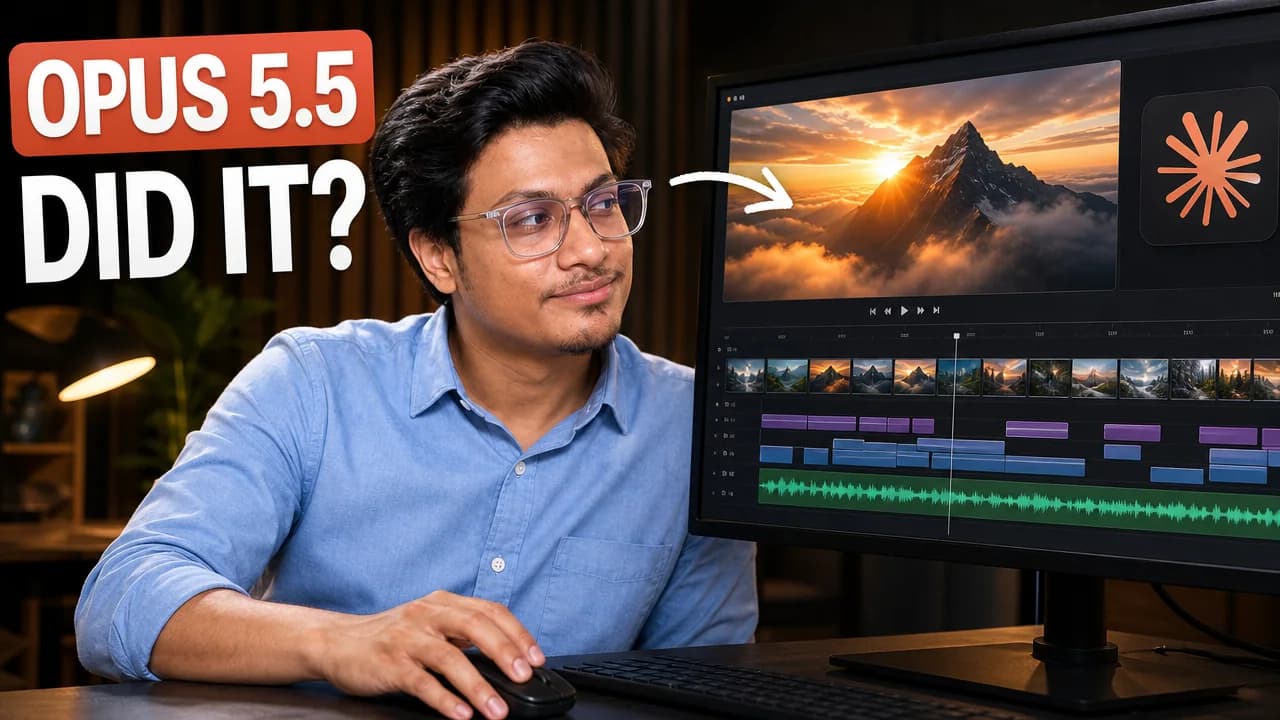
- The timeline makes the task recognizable without a full dashboard.
- Read the headline with the title: do they ask the same question or promise different results?
- Check the face, hand contact and generated interface details.
Separate the tool from its result

- The game scene is a visible result; the tablet identifies the tool.
- The time claim needs evidence in the video before reuse.
- Keep game and interface details subordinate to the main promise.
Check your image with its title or download the free review checklist.
Turn a technical result into a reason to watch
A tool logo tells viewers which product appears; a recognizable output shows why the experiment matters. The editing example combines a creator, a timeline and a headline so the viewer can investigate what the tool actually did. It illustrates a hook, not a measured CTR result.
Tell Thumbish whether your viewers want a comparison, a working result or an explanation of a limitation. That distinction should guide the expression, supporting objects and typography instead of a generic technology background.
Choose the useful relationship
A logo identifies a tool; a timeline or artifact explains what the video investigates. Choose a meaningful UI fragment and remove irrelevant labels from the focal area.
Keep versions and time claims accurate
Generated names and interfaces can be wrong. Use the actual product/version. Keep a claim such as an entire game in thirty minutes only when footage and method support it.
Let the premise guide typography
A technical comparison can use precise lettering and quiet hierarchy; a creator experiment can use expressive display type. Neither needs mandatory neon. Inspect approved wording at feed size.