 thumbish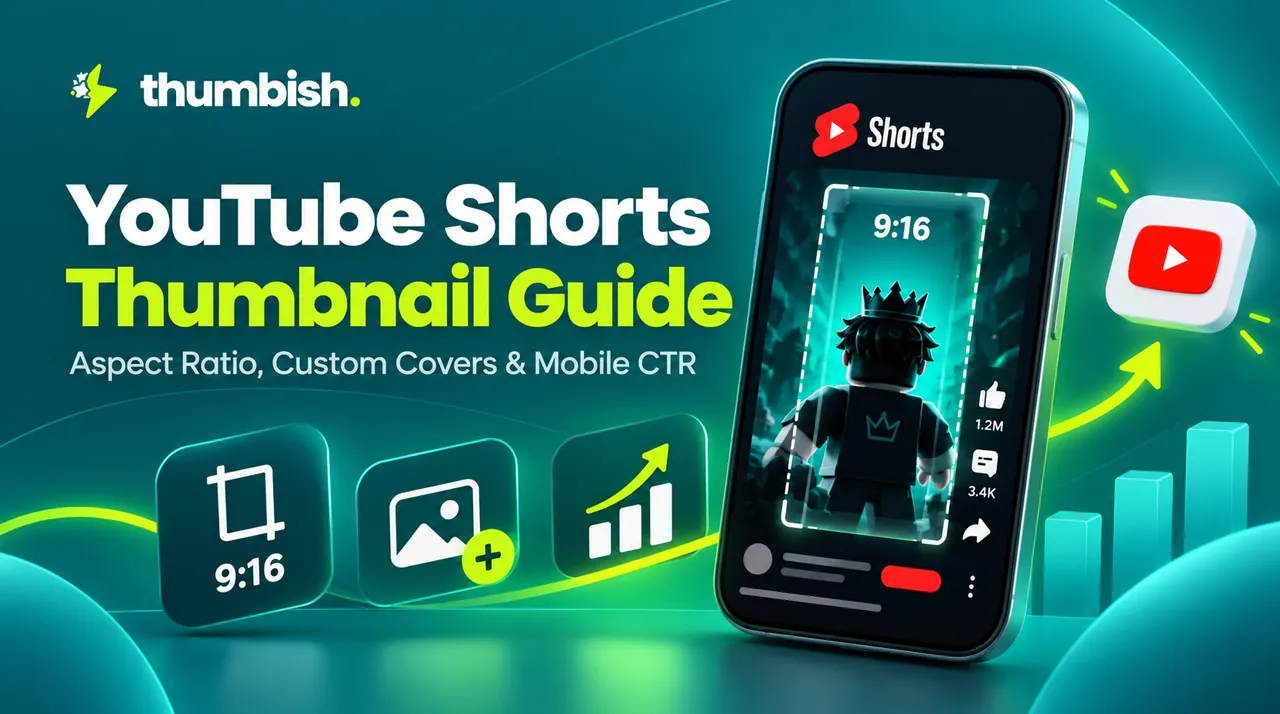

How YouTube Displays Shorts Across Different Feeds
YouTube Shorts do not behave like standard landscape videos. Depending on how a viewer discovers your short, YouTube renders the thumbnail in one of three distinct aspect ratios and environments.
On the full-screen vertical Shorts player feed, viewers swipe into your video automatically without seeing a static thumbnail. However, on the YouTube homepage Shorts Shelf, channel page Shorts tab, and global Search results, your video displays as a clickable card. If your cover frame looks chaotic or uninformative, viewers will click competitor shorts instead.
- Shorts Shelf & Mobile Home: Rendered as a vertical 9:16 card (1080 × 1920 px).
- Desktop & Channel Search Results: Often cropped into a center 1:1 square.
- Channel Shorts Grid: Displayed in standard 9:16 vertical cards with view counts overlaid at the bottom.
How to Set a Custom Shorts Thumbnail Frame in 2026
Currently, YouTube does not support uploading a standalone JPG/PNG thumbnail for Shorts through desktop YouTube Studio. To set a custom thumbnail, you must use the YouTube mobile app during the initial upload step.
Before uploading, edit a high-impact, custom-designed 9:16 title card and insert it as a 1-frame flash (or 0.5-second clip) at the very start or end of your video file. When uploading in the mobile app, tap the pencil icon in the top-left corner of the video preview and drag the frame slider to lock onto your custom title card.
Shorts UI Safe Zones: Protecting Text from Overlays
Because YouTube Shorts overlay substantial platform UI on top of your video, text placed near the screen edges will be unreadable. The right side of the screen is occupied by the Like, Dislike, Comment, and Share icons, while the bottom 25% contains your channel avatar, channel handle, Subscribe button, and sound title.
Keep your primary focal object and any large headline text strictly inside the central 60% vertical safe zone (between pixels 400 and 1500 from the top). This guarantees full readability across all phone models and aspect ratios.
Coming Soon: Dedicated Thumbish 9:16 Shorts Thumbnail Generator
To help creators streamline vertical content workflows, Thumbish is actively developing a dedicated 9:16 YouTube Shorts Thumbnail Generator and Frame Selector, scheduled to launch directly in the studio very soon.
This upcoming feature will automatically format AI-generated concepts into 9:16 vertical dimensions with automated UI overlay simulators, 1:1 search crop previews, and high-CTR frame export options. In the meantime, creators can use Thumbish’s free client-side Thumbnail Resizer and Studio chat to plan visual hooks and format vertical reference frames.