Your references
3 images


Describe your video or attach a script. Review the concept and headline,
then generate and refine your thumbnail with your face and reference styles.









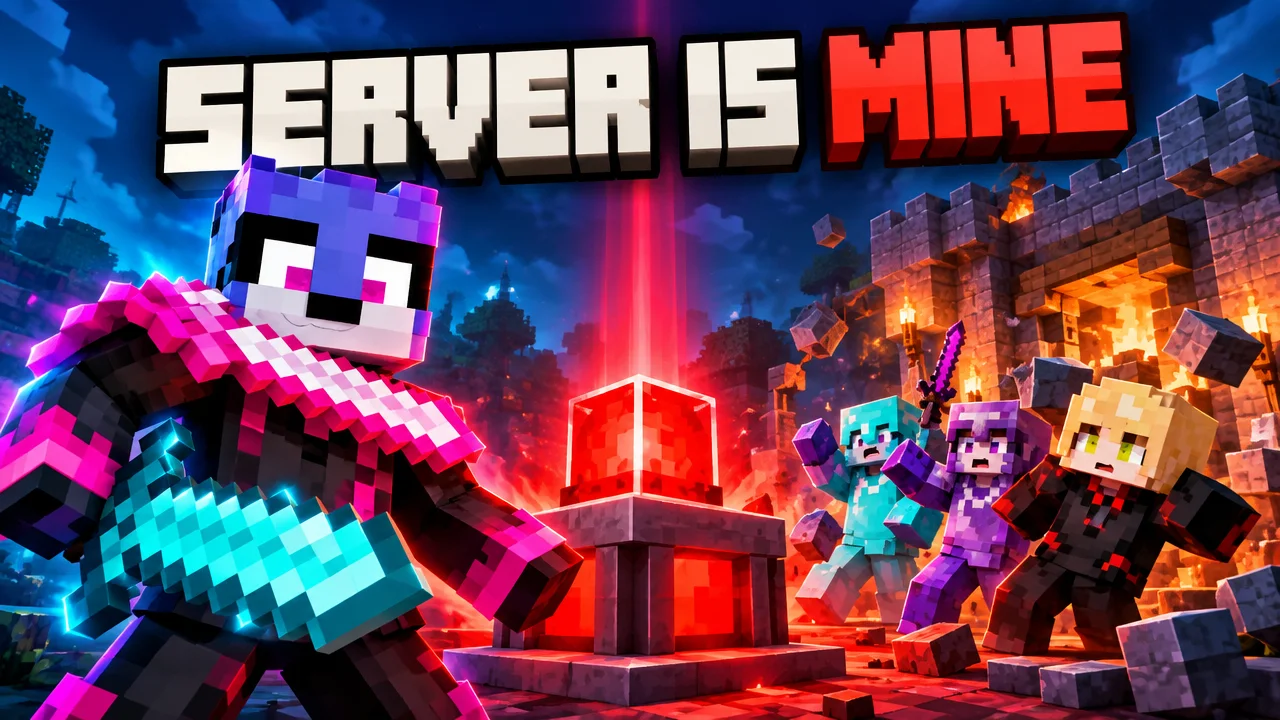









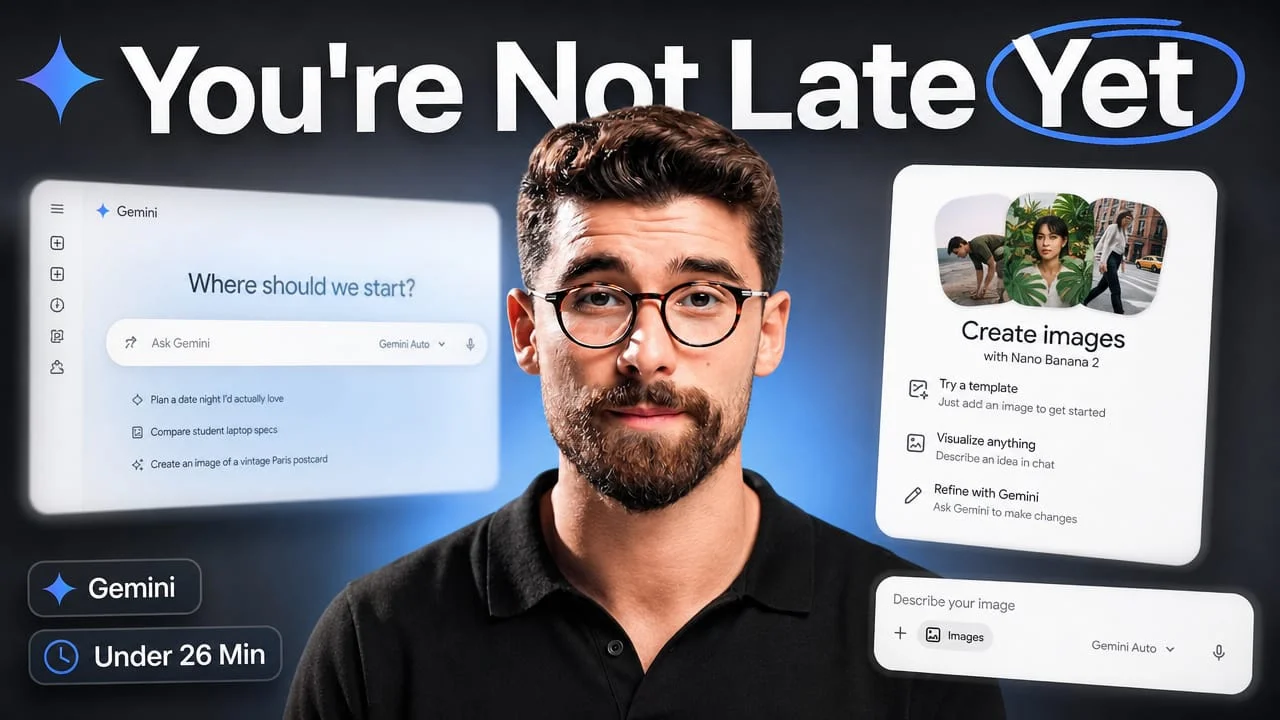
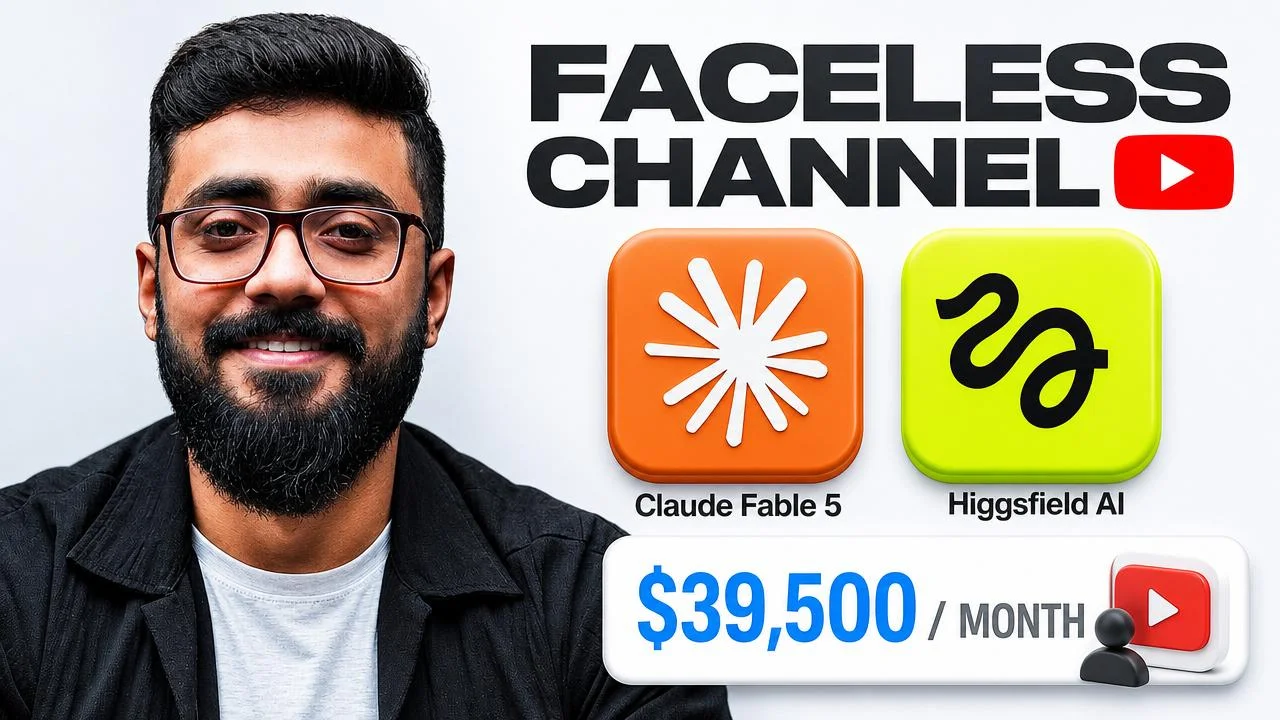

From your rough video concept to high-CTR visual directions in three simple steps.
Bring the ingredients. Review the direction.
Make something worth a closer look.

You're Not Late Yet - Learn 98% of Gemini in Under 26 Minutes
Your brief, audience or script THUMBISH AGENTThe creative connection
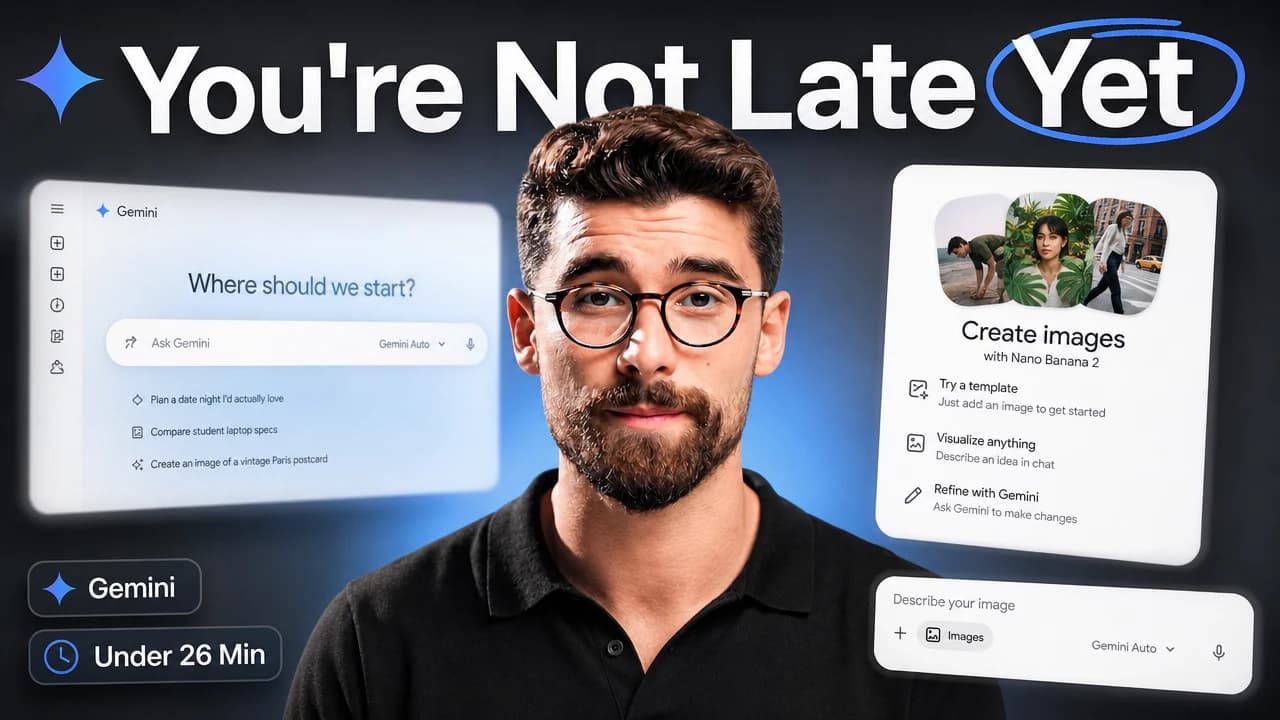
Make every thumbnail on-brand & optimized for performance.
No more cringe poses or repetitive photo shoots. Upload 1 photo of yourself once — Thumbish keeps your Persona saved forever to generate any emotion in your thumbnails.







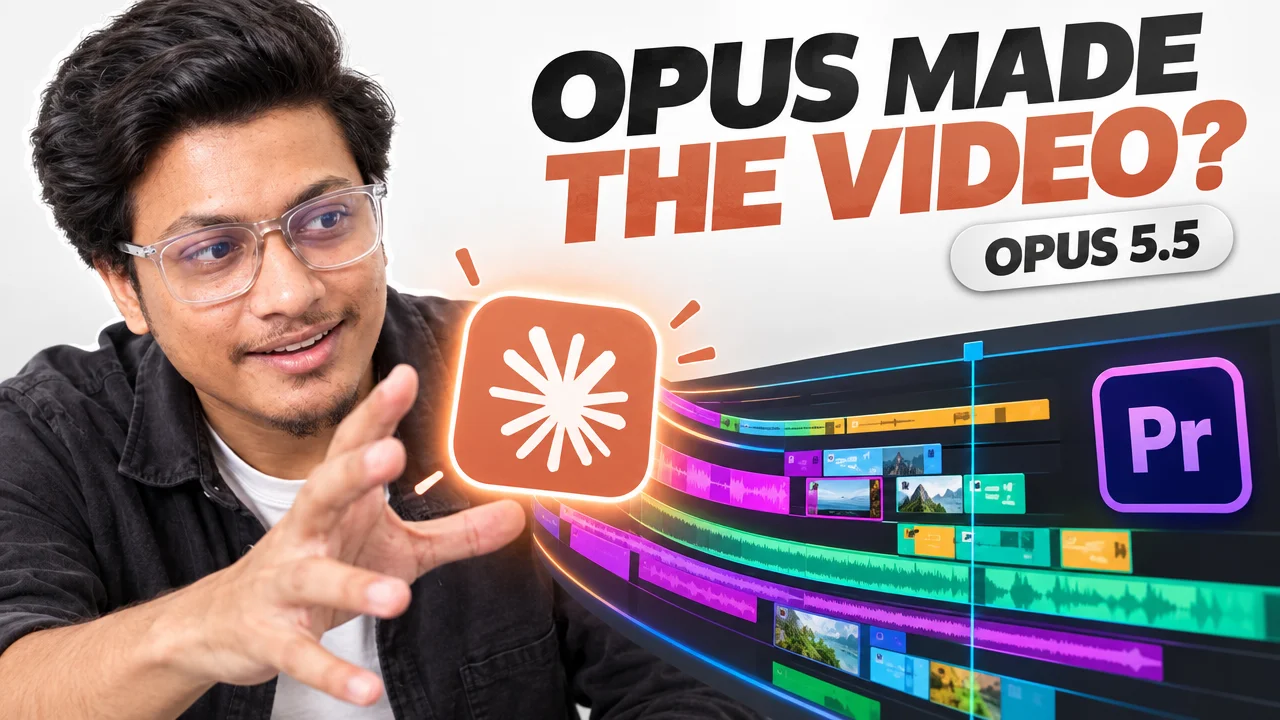
No more inconsistent designs or unpredictable layouts. Pick any YouTube Channel Style or save up to 5 reference thumbnails — Thumbish keeps your aesthetic locked forever for automatic brand consistency.





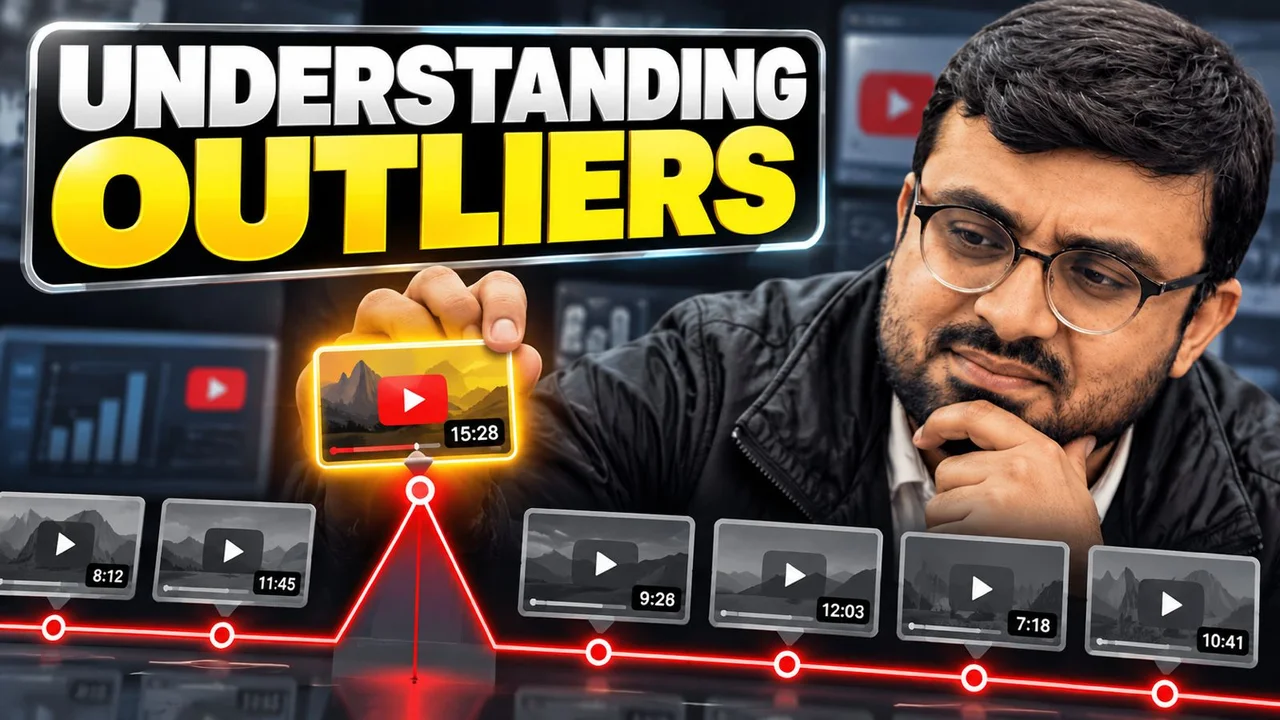
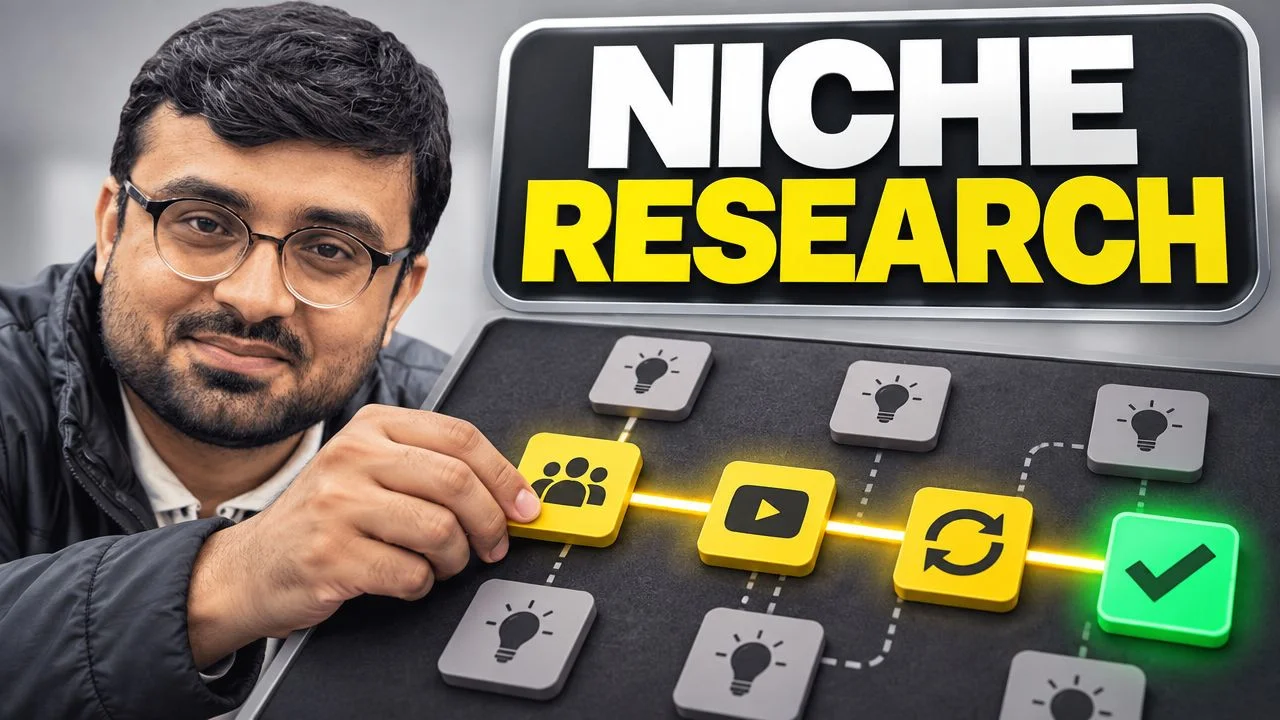
Start free to test the studio. Upgrade to unlock Aura, all image qualities, and more monthly credits.
Thumbnail estimates use Flash Medium (20 credits per image). Aura Medium costs 30 credits per image. Chat, concepts, revisions and higher qualities use the same monthly balance.
No account required, no watermark, no credit card. Instant browser-based utilities to help you resize, download, compress, and simulate thumbnails before publishing.
Extract full-resolution 1280×720 HD or 4K thumbnails from any YouTube video, Shorts, or stream link.
Fit any artwork into YouTube’s official 16:9 frame without letterboxing, pixelation, or distortion.
Compress custom thumbnails below YouTube’s 2 MB limit while keeping typography and faces sharp.
Preview how your thumbnail and title appear side-by-side on mobile feeds, sidebar, and search results.
Generate viral video tags from real search queries, bundled ready to paste into YouTube Studio.
Inspect competitor tags, character counts, and keyword patterns to optimize your own video metadata.
The workflow, plans and practical details.
Create viral YouTube thumbnails with AI. Turn your video topic into high-CTR thumbnails inspired by top competitors, tailored to your channel's unique style.
Thumbish uses your video hook and audience context to develop a clear visual story, topic-specific typography, expressions and optional headline. Review the concept and its reason to watch before generating. The aim is an attention-grabbing thumbnail that delivers the video’s promise; actual click-through rate depends on your audience and needs measurement.
Thumbish brings the video brief, script, channel persona and reference images into a conversational thumbnail workflow. You review a proposed concept before generating artwork, then request revisions in the same conversation. Choose Flash or Aura and set image quality before approving generation.
Thumbish works as a virtual thumbnail design assistant: describe your video, audience and constraints, then review a concept covering the subject, composition and headline before generating. You can refine the direction in conversation. It is an AI tool, so you remain responsible for checking the creative decisions and final artwork.
Yes. Choose one source in Reference thumbnails: My channel continues the styling, typography, effects and composition patterns of your own examples; Competitors uses each example as inspiration for an original design. Upload images or add thumbnails from YouTube video links, then press Save references. Free supports two references; Lite and Mega support five.
Yes. Request a focused edit to a thumbnail generated in Thumbish in the same conversation. A revision edits the existing artwork rather than starting concept planning again. It uses Flash Medium and costs 10 credits, even if the original was generated with Aura.
Flash is the faster image model, available on every plan. Aura is the quality-focused model on paid plans. Free includes Low and Medium quality; paid plans include Low, Medium and High. Flash costs 10, 20 and 30 credits per image at Low, Medium and High; Aura costs 20, 30 and 40.
Yes. Add a face image to your Channel Persona in the studio sidebar. Thumbish uses it as a reference for that channel. AI-generated likeness can vary, so review the face and details before publishing.
Yes. Attach a PDF, DOCX, TXT or MD script in the studio composer. Thumbish uses the script as context for your concept and artwork. Check the studio guide for upload limits and provide a text-based file if a scanned document has no extractable text.
Eligible new users can start with 50 credits, available once per person, device and network. Lite costs $10/month billed monthly, or $9/month equivalent billed yearly (10% saving) with 1,050 monthly credits and 2 channels. Mega costs $35/month billed monthly, or $28/month equivalent billed yearly (20% saving) with 4,100 monthly credits and 5 channels. Monthly and yearly paid subscriptions add the same credits each month; annual billing does not grant a full year of credits at once. Free includes Flash with Low and Medium quality. Paid plans unlock Flash and Aura with all three qualities. Credits cover chat replies, concepts, image generation and revisions; a new thumbnail generation uses 10, 20 or 30 credits for Flash and 20, 30 or 40 for Aura based on quality. Image revisions cost 10 credits using Flash Medium, and a chat reply uses 2.
No. Thumbish helps you develop and generate thumbnail artwork; it does not guarantee views or a click-through rate. Video performance also depends on the title, audience, topic and video itself. Use YouTube Analytics and supported YouTube testing tools to evaluate actual results.
Start with an idea. Leave the pixels to us.
Create my next thumbnail50 starting credits for eligible new users. No credit card required.