 thumbish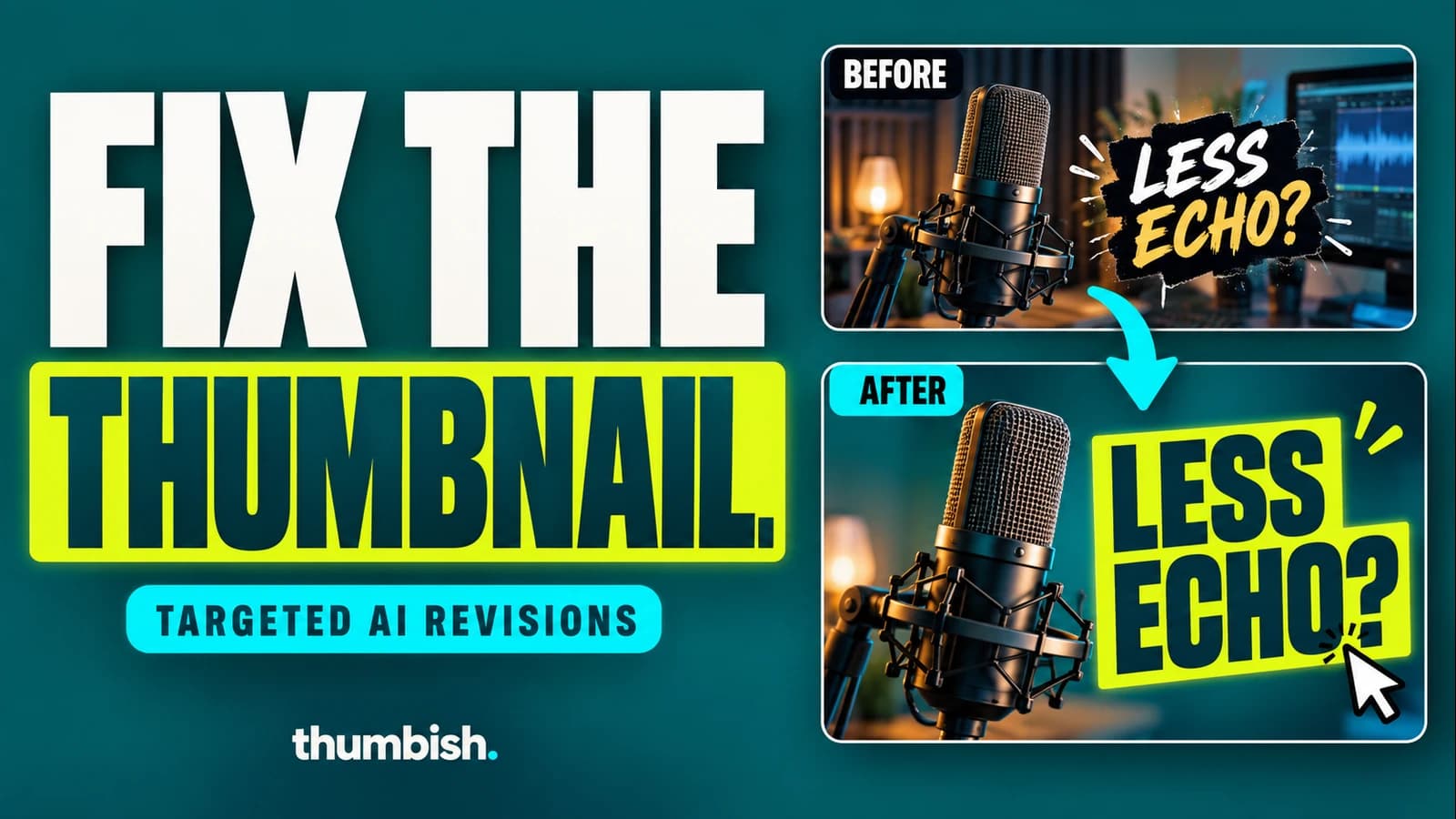
To improve an existing thumbnail generated in Thumbish, request a specific change in the same conversation and state which parts should stay. Targeted revisions edit the existing image directly without starting a new concept approval. They use Flash Medium and cost 10 credits per image revision, regardless of your selected generation model or quality.
Start with a thumbnail from the current conversation
This guide covers revisions to artwork already generated in Thumbish. A reference upload supplies context; it should not be confused with an arbitrary external-image editing workflow. Open the conversation containing the generated thumbnail so the request has a clear base image.
Decide whether the issue is local or conceptual. A misspelled headline, distracting object or wrong expression is a focused revision. A thumbnail built around the wrong video promise needs a new direction. Small edits can polish a suitable composition, but they cannot make an unrelated premise accurate.
1. Name the problem you can actually see
Compare the image with the video title and ask what a viewer can identify immediately. Is the main object too small? Does the headline overlap the face? Does a generic background distract from a specific product? Review at a small size before deciding to add more detail.
Also inspect the full-size file for factual and physical mistakes. A camera body should match the supplied asset. A hand should connect naturally to the arm and hold a prop plausibly. A generated dashboard should not be presented as evidence of a real result unless it accurately represents material you supplied.
2. Pair the change with a preservation instruction
A useful revision has two parts: what changes and what stays. “Make it better” leaves the model free to reinterpret the scene. “Increase the headline size and preserve the person, camera and background” sets a clearer boundary.
For text: “Replace the headline with the exact words LESS ECHO? Use two lines of bold white lettering. Keep the lime strip, both microphones and my face unchanged.” For composition: “Remove the small background decorations and enlarge the microphone. Keep the headline and persona in their current positions.”
For an expression: “Keep the facial identity, glasses, pose, clothing and layout. Change the expression to focused curiosity with slightly raised brows and a relaxed closed mouth.” For an object correction: “Keep the composition. Match the camera body and lens to the attached product photo; remove the invented extra controls.”
These are illustrative messages, not promises that every requested edit will be exact. Use the words and assets that describe your actual image. If several versions exist, name the version you want revised instead of relying on “that one.”
3. Send the request and review the direct revision
After a generated image exists, send the targeted request in its conversation. Thumbish submits an image revision directly rather than developing another concept for approval. The revision uses Flash Medium even if Aura or another quality is currently selected.
Each image revision costs 10 credits. A new concept costs 10, concept revision 5 and a chat reply 2; new images use the model and quality price. For example, one concept, one Aura Medium image and one targeted image revision use 50 credits before any additional chat or concept work. Check the balance and displayed action cost before starting more work.
4. Compare before and after against the same requirement
Judge whether the requested problem was corrected, then inspect the parts you wanted preserved. A larger headline is useful only if the wording is correct and the face still has enough room. An expression correction should retain identity. Removing clutter should not remove the evidence that makes the topic specific.
Keep downloaded versions with distinct filenames so you can return to an earlier result. Use the thumbnail preview tool to inspect small-size readability and file properties. It does not predict CTR or run a live audience test.
If the new result introduces an issue, describe that issue in the next revision. Avoid stacking contradictory instructions or repeatedly requesting an undefined improvement. When the concept itself is wrong, return to the video brief and settle the visual claim before generating another candidate.
Frequently asked questions
Does a revision require another concept approval?
A targeted revision to an existing generated thumbnail runs directly on that image. It does not require a new concept approval.
How much does an image revision cost?
A targeted image revision costs 10 credits and uses Flash Medium, regardless of the selected generation model or quality.
Will editing guarantee more clicks?
No. A clearer image can address a visible design problem, but audience performance requires measurement after publication.