 thumbish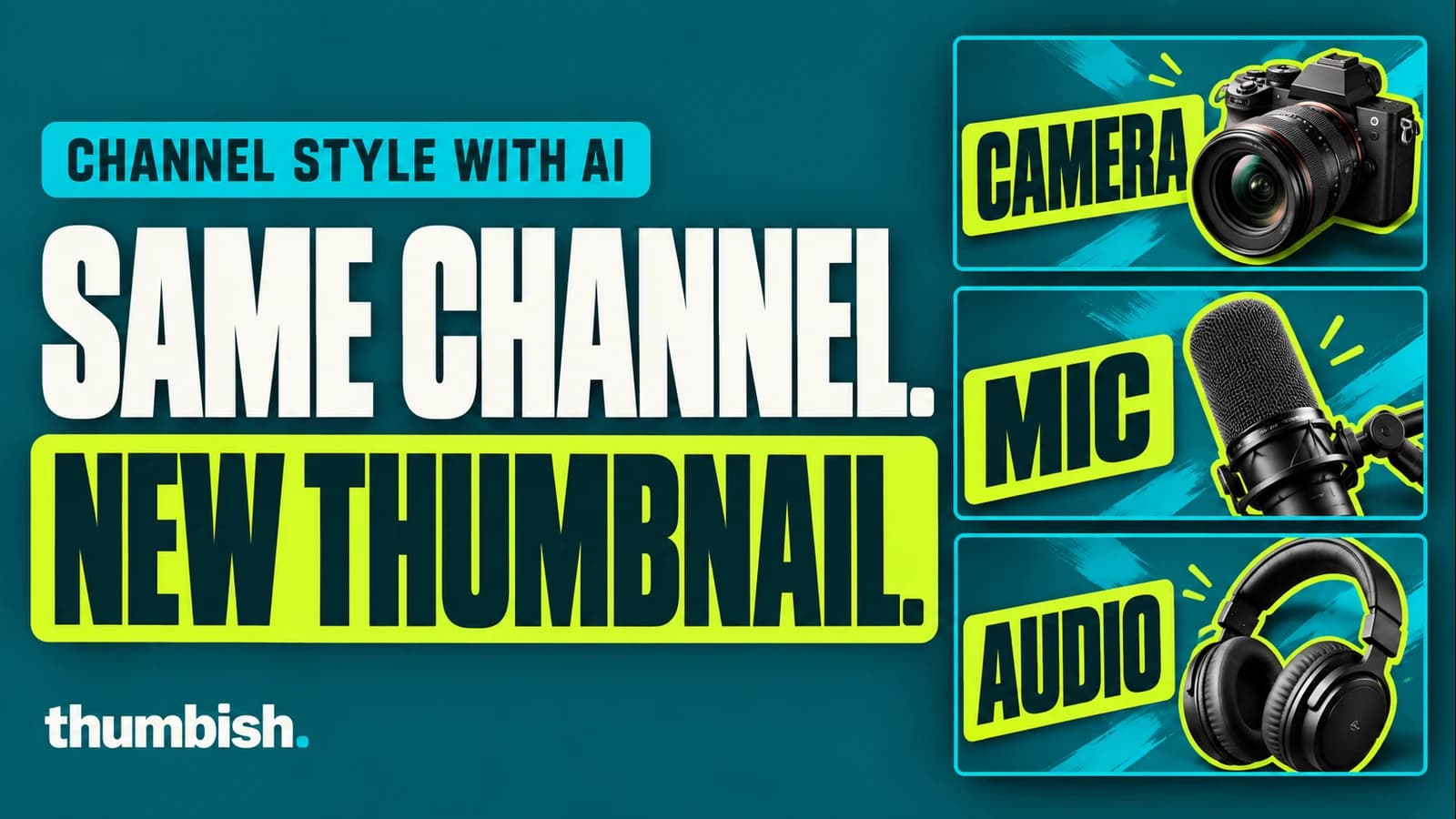
To create AI YouTube thumbnails that match your channel style, provide examples from your own channel, identify the details that should repeat and give a specific brief for the next video. In Thumbish, choose My channel in Reference thumbnails, add your examples and press Save references. Review the proposed concept before generating the next thumbnail.
Keep the visual series recognizable as the topic changes
A channel style is more than a color palette. It includes the shape and weight of the lettering, the size of the subject, the placement of a face, the relationship between text and objects, and the finishing effects. A new thumbnail can use your usual colors and still feel unrelated if those other decisions change.
Start by separating repeatable design choices from episode content. The headline treatment might repeat, while its words change. A face might occupy the same part of the frame, while its gesture responds to a different object. The goal is continuity with enough freedom to communicate the new video accurately.
1. Choose references for the series you want to continue
Pick your own thumbnails that represent the look you want next. Include a clear example of the typography and one that shows the composition you need. If the channel has both product reviews and tutorial thumbnails, choose the relevant series rather than mixing every template you have used.
One reference can communicate a specific layout. Several can reveal recurring decisions and useful variations. Different examples may use different templates, so explain which one fits the new topic. A set of unrelated layouts gives the agent more possibilities without necessarily giving it a clearer direction.
- Choose thumbnails with readable lettering and visible subject placement.
- Include a persona example if face framing or pose is part of the series.
- Name the reference whose composition should guide this video.
- Use examples you are permitted to provide.
2. Select My channel and save the reference set
Open your channel workspace in Thumbish and expand Reference thumbnails in the channel kit. Choose My channel for the whole reference set. Upload JPG, PNG or WebP images up to 2 MB each, or paste a YouTube video link and press the plus button to add its thumbnail.
Both methods use the same plan allowance: two references on Free and five on Lite or Mega. Press Save references below the thumbnails when the set is ready. Source changes, additions and removals remain drafts until you save; Reset changes discards them. The saved set guides new work in that channel.
My channel asks the agent to continue your observed branding, fonts, effects and layouts. Competitors uses examples as inspiration for an original design, with each reference analyzed separately. Choose the source that describes your intention instead of treating both modes as interchangeable.
3. Give the new topic and the details that must repeat
Describe what this video actually demonstrates. A precise topic gives the design a reason to include a particular subject or gesture. Then state any exact headline, preferred font and reference details that matter. Keep the style instruction separate from the factual content of the scene.
Illustrative brief: “This video compares my USB microphone with a dynamic microphone in the same untreated room. Continue the layout and bold outlined lettering of my second channel reference. Use my persona on the left, looking toward the two real microphones from the attached photos. Headline: LESS ECHO? Keep the familiar teal background and lime headline strip. Do not imply that the room echo disappeared.”
This example describes a possible brief, not a measured result. Its useful structure is topic, visible evidence, reference choice, persona action and exact text. Replace every detail with the material from your own video.
4. Review the concept for continuity before generating
Check whether the proposed composition names the reference techniques you wanted. Look for the headline placement, subject scale, effects and relationship between the persona and the topic. If the concept drifts into a generic technology scene, correct it before approving artwork.
After generation, compare the result beside the references at a small size. Review lettering, face identity, pose and object accuracy at full size as well. A request such as “keep the layout; match the thicker white lettering and lime strip from reference two” is more actionable than “make it look more like my channel.”
Save the downloaded version you approve. A consistent reference set helps communicate direction, but it does not guarantee an exact font match, perfect likeness or improved click-through rate. Use the actual image and the video promise as the acceptance criteria.
Frequently asked questions
Can I add references using a YouTube link?
Yes. Paste a video link in Reference thumbnails and press the plus button, then save the set. Imported thumbnails count toward the same plan limit as uploaded images.
Should I choose My channel or Competitors?
Choose My channel to continue your established visual style. Choose Competitors when other creators’ examples should inspire an original concept. One source applies to the whole set.