 thumbish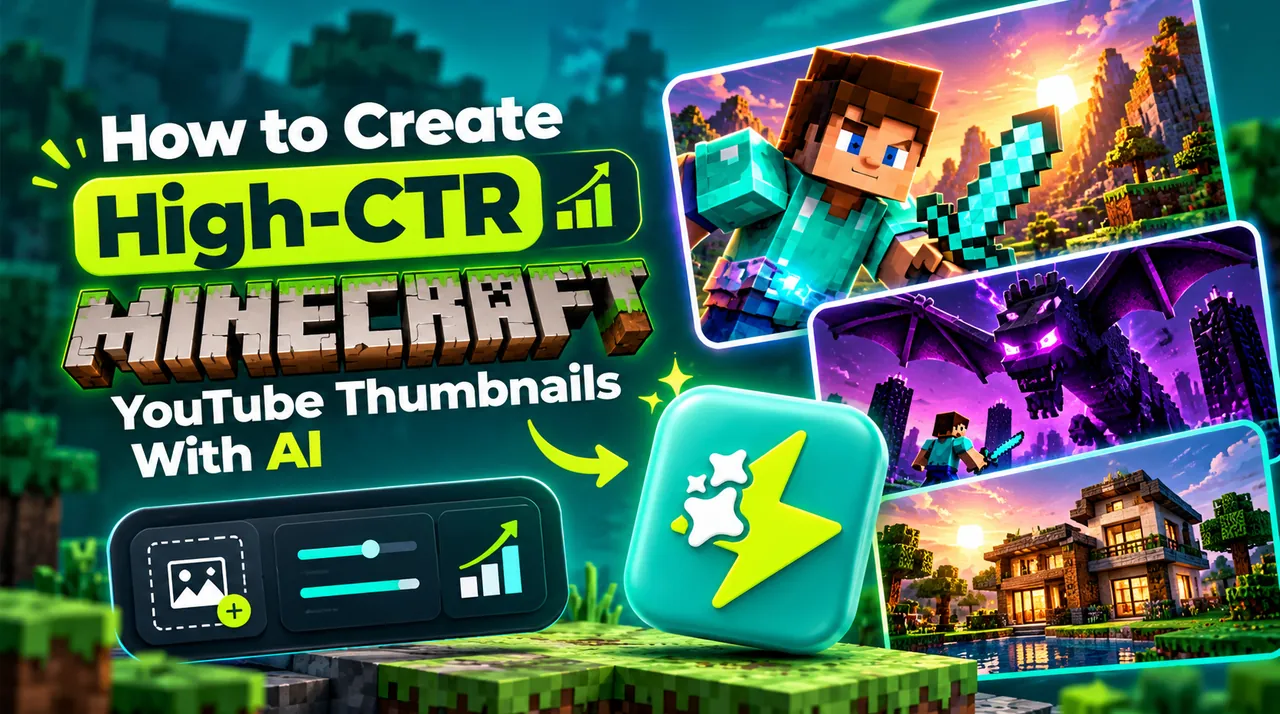

Why Raw Gameplay Screenshots Hurt Gaming CTR
Minecraft is one of the most competitive niches on YouTube, with tens of thousands of videos published every single day. The most frequent mistake new gaming creators make is pressing F2 to take an in-game screenshot and using it as their thumbnail.
Standard gameplay screenshots lack depth of field, have flat default vanilla lighting, and contain cluttered UI elements like health hearts and hotbars that shrink into illegible noise on mobile screens. Viral Minecraft creators use custom 3D character rigs, cinematic depth-of-field blur, and dynamic volumetric lighting to make their thumbnails pop.
The 3-Element Gaming Hierarchy: Character, Threat, and Setting
To generate immediate curiosity in the gaming feed, structure your Minecraft thumbnail around three clear visual tiers:
1. The Character: An expressive player character skin posed dynamically in the foreground (e.g., clutching a diamond pickaxe, falling into lava, or fleeing).
2. The Threat or Treasure: The central object driving the video premise (such as a colossal mutated Warden, an ancient floating dungeon, or a glowing mythical chest).
3. The Atmospheric Setting: High-contrast backdrops featuring volumetric sunset rays, stormy Nether fortress glow, or deep subterranean cavern fog.
Emulating Volumetric Shaders and Cinematic Contrast
High-performing gaming thumbnails emulate the visual appeal of advanced ray-tracing shaders (like Complementary or BSL). Thumbish’s AI engine understands block geometry, ambient occlusion, and emissive lighting (such as glowing redstone torch reflections or lava spill illumination).
When briefing Thumbish, describe the specific lighting mood: for instance, "volumetric golden hour sunlight piercing through a dark spruce forest canopy" or "eerie cyan glow emanating from a deep dark sculk catalyst."
Minecraft Headline Copy: Short, Urgent, and Punchy
Keep your thumbnail text strictly under 3 words. Phrases like "100 DAYS", "I TRAPPED HIM", or "IMPOSSIBLE" formatted in heavy, bold sans-serif lettering with a thick dark stroke or drop shadow ensure instant readability on mobile devices.
Never put text in the bottom-right corner where YouTube’s duration badge will cover it. Position your headline along the top-left or upper-center of the frame.